Hello, fellow creator! If you have landed here, chances are you are tired of typing a highly specific prompt like "a cybernetic cat holding a red mug that says 'BYTE' in bold letters" only to get back missing fingers, garbled text, or entirely missed elements. You are not alone! The early years of generative AI have felt like a slot-machine roll, requiring dozens of generations just to capture a single aligned frame.
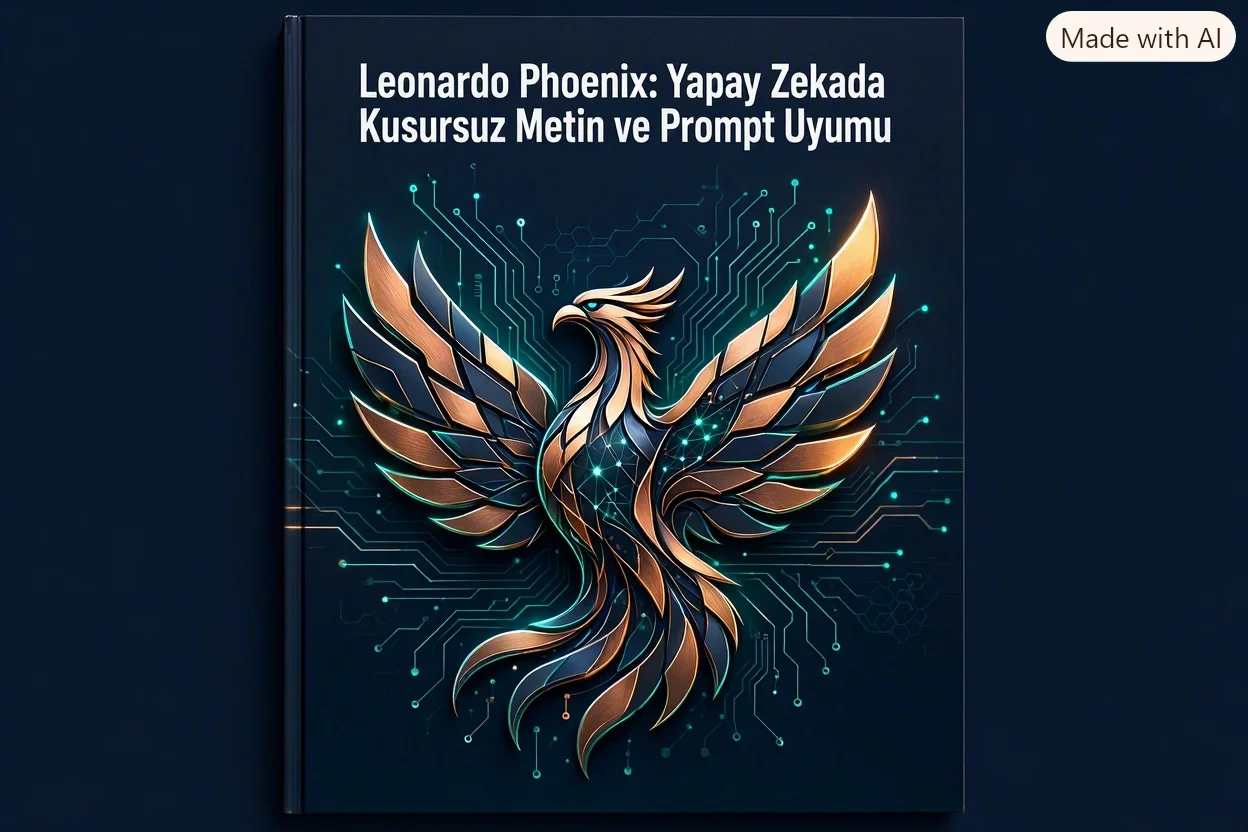
That is exactly why Leonardo.Ai took a massive leap forward by launching Leonardo Phoenix—their first proprietary, ground-up foundational image generation model. In this guide, we are going to tear down the underlying mathematics, share parameter secrets you will not find anywhere else online, and explain why this specific engine is a game-changer for professional and casual creators alike. Grab a coffee, and let's explore this powerhouse together!
1. The Geometry of Obedience: How Phoenix Nails Complex Prompt Adherence
Let's be honest: when writing an extensive, multi-layered prompt, what's your biggest fear? Usually, it's that the AI will omit half your details or mix up visual attributes. In legacy models, asking for "a woman in a red dress, holding a green umbrella with a 'SALE' sign behind her" might produce a green dress, a red umbrella, and unreadable scribbles in the background.
The Leonardo Phoenix model has tackled this Prompt Adherence (obedience) problem head-on through its own foundational architecture, moving beyond open-source Stable Diffusion iterations to establish a deterministic bridge between text and image:
- Multi-Head Cross-Attention Locks: Instead of predicting pixels at random, Phoenix maps your semantic prompts (nouns, adjectives, spatial positions like "to the left" or "resting on") to exact spatial coordinate weights within the latent matrix.
- Transformer-Based Text Encoding: The model reads whole sentences and contextual grammar rather than fragmented tokens, maintaining the hierarchical relationships of your visual descriptions.
- Environmental and Light Consistency: Phoenix applies physics-based natural lighting, perspective-relative shadows, and color temperature (e.g., sunset golden hour, backlit) across the entire canvas based on your prompt's setting.
Generative models are moving past raw "creative interpretation" and into "collaborative accuracy." Phoenix is designed to let you spend less time wrestling with prompt combinations and more time executing true visual direction.
Leonardo Phoenix transforms AI image generation from an unpredictable trial of chance into a deterministic, high-fidelity design engine that respects every nuance, adjective, and written word in your prompt.
2. The Text Render Breakthrough: Crystal Clear Typographic Fidelity
Rendering legible typography has been the "Achilles' heel" of image generators since day one. Missed letters, weird artifacts, and random character generation are all too common when you ask for specific signage, packaging, or brand labels.
Phoenix destroys this typographic barrier. The model renders crisp, coherent characters that naturally match the physical perspective, ambient lighting, shadows, and textures of their surroundings. For example, if you ask for "REST" to be painted on an old, decaying wooden crate, the lettering will pick up the grain, weathering, and shadows of the worn wood.
// THE GOLDEN PROMPT STRUCTURE FOR TEXT IN PHOENIX:
"An eye-level product photograph of an organic coffee pouch on a dark granite countertop, [SUBJECT/SCENE]
the packaging features a bold, clearly readable brand title 'OXYGEN BREW' in vintage retro typography, [TEXT LOCK]
accompanied by the tagline 'STAY SHARP' written in smaller, crisp white cursive lettering below it, [SUB-TEXT]
soft natural lighting, cinematic film grain, photorealistic."

// NOTE: Always isolate target text inside single quotes ('...')
// and use anchoring phrases like "clearly readable", "bold typography", and "written on [the surface]".
This opens massive opportunities for game artists designing in-world signs, marketing teams mocking up product prototypes, and digital creators building high-conversion social assets directly within the canvas without needing external blending tools.
3. Iterate on the Fly: Seamless "Edit with AI" Generation
What really sets Phoenix apart from systems like Midjourney is "Edit with AI." Instead of masking a photo or regenerating a new batch because of one small error, you can conversationally prompt adjustments:
- Step 1 (The Base Image): Create your target scene (e.g., "A developer working at an office desk").
- Step 2 (The Revision): Simply describe the update (e.g., "Make it raining outside the window and add a ceramic coffee mug to the desk").
- Step 3 (The Render): Phoenix implements the precise adjustments while leaving your core character, camera angle, and background unchanged.
This capability dramatically cuts down on manual post-processing, making it the ideal tool for fast-paced professional pipelines.
4. Industry Feature Evaluation: Phoenix vs. Midjourney & DALL-E 3
| Comparison Parameter | Leonardo Phoenix (FOUNDATION) | Midjourney v6.1 | DALL-E 3 (OpenAI) |
|---|---|---|---|
| Prompt Adherence | Exceptional (Strict multi-layer alignment) | Highly Artistic (Can sometimes stray from complex details) | Good (Can simplify inputs) |
| Signage & Typography | Superb (Coherent, natural perspective integration) | Excellent (Occasional character dropouts) | Fair (Can generate hallucinated or illegible words) |
| Interactive Adjustments | Inline "Edit with AI" revisions | Variations (Vary) and zoom/pan extensions | Requires new chat requests |
| UI & Workspace | Rich Web GUI, Canvas, API & Batch Queueing | Discord and select web interfaces | Conversational Chat Only |
| Output Quality | 5 Megapixels natively + 4K upscaling | ~1 Megapixel native + built-in upscaling | Standard 1024x1024 / 1792x1024 |
| Commercial Licensing | Allowed on all tiers (including free plan) | Allowed (on paid tier) | Allowed |
5. Uniquely Crafted: Cinematic and Industrial Phoenix Prompt Recipes
Get started with these multi-layered, highly visual prompt templates designed to benchmark Phoenix's text, spatial, and lighting accuracy:
// 1. CINEMATIC CHARACTER & ATMOSPHERE PROMPT:
"An intimate, candid cinematic shot of a determined woman in her late 30s with messy hair, [SUBJECT]
sitting inside a dimly lit vintage greenhouse, [ENVIRONMENT]
she is wearing a worn denim jacket and is focused on sketching in a notebook on a rustic wooden table, [ACTION]
on the table is a steaming ceramic mug with the hand-painted word 'OXYGEN' visible on its side, [TEXT DETAIL]
background filled with dense indoor foliage, glass panels catching the orange sunset light, [ATMOSPHERE]
visible dust motes, natural handheld camera perspective, 35mm f/1.4 film grain, ultra-realistic."

// 2. INDUSTRIAL / COMMERCIAL BRANDING PROMPT:
"A professional overhead flatlay of a modern cybernetic board game box resting on a dark carbon-fiber surface, [SUBJECT/SCENE]
the box cover features high-contrast neon artwork and the bold metallic title 'NEURAL QUEST' centered on the packaging, [MAIN TEXT]
with 'A GAME OF CYBERNETIC EVOLUTION' written in tiny, razor-sharp cyber-font underneath, [SUB-TEXT]
scatters of futuristic dice, cards, and glowing tokens surrounding the box, [DETAILS]
perfect natural top-down studio lighting, sharp focus on the textures, 8k resolution, cinematic."
The design workflow is shifting away from manual pixel-pushing toward expressive visual direction (Prompt Engineering). Understanding how to interact with and calibrate Phoenix (v1.0)—by specifying textures, lighting conditions, and text inside single quotes—unlocks an incredible level of creative autonomy. Keep experimenting, utilize your 150 daily free tokens, and start driving your designs conversationally!